Private by design
Your selected contacts, notes and reminder history stay on your device. Tend doesn’t inspect your calls or messages.
 Tend
TendMake time for your people.
You mean to call. Then a week slips by.
Tend helps you make room for your people.
♥ Stay close. On purpose.
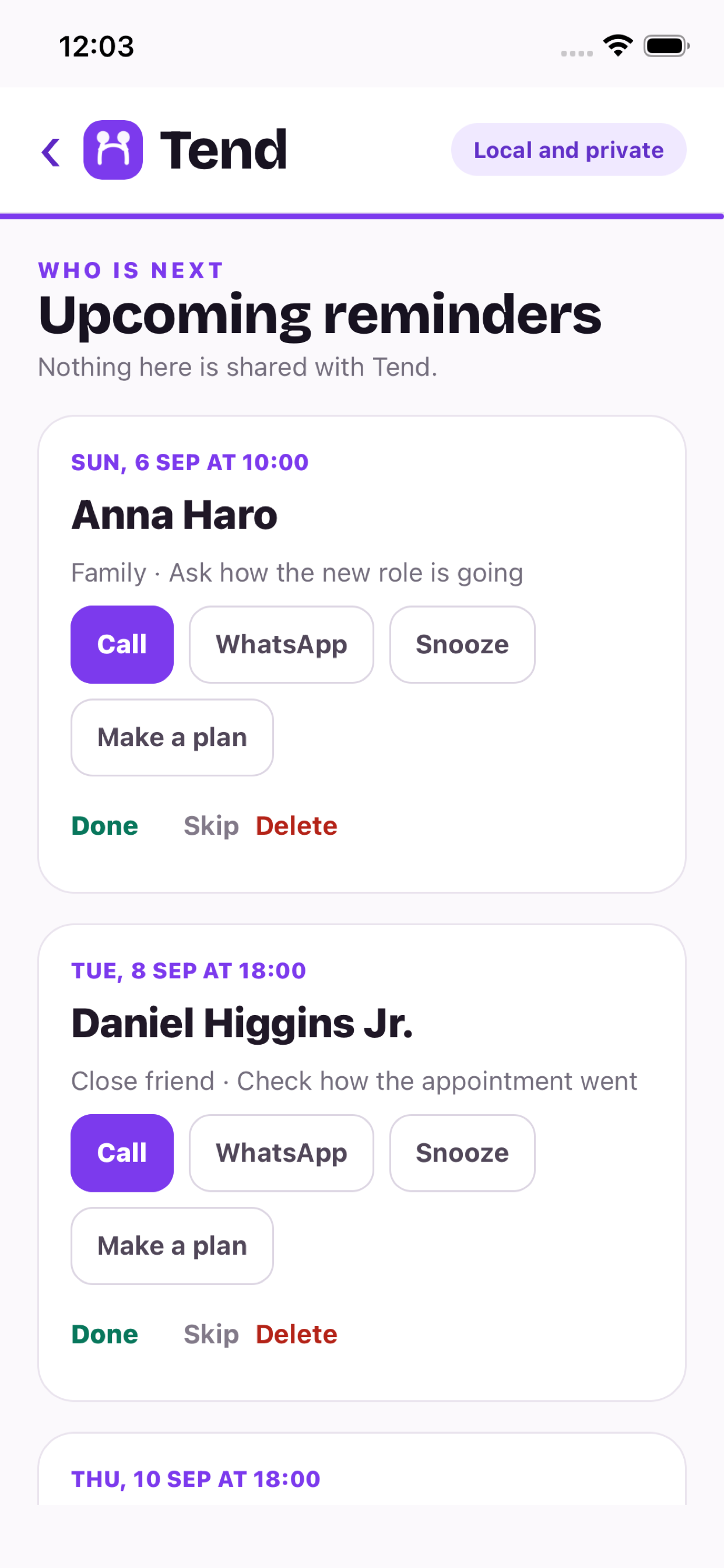
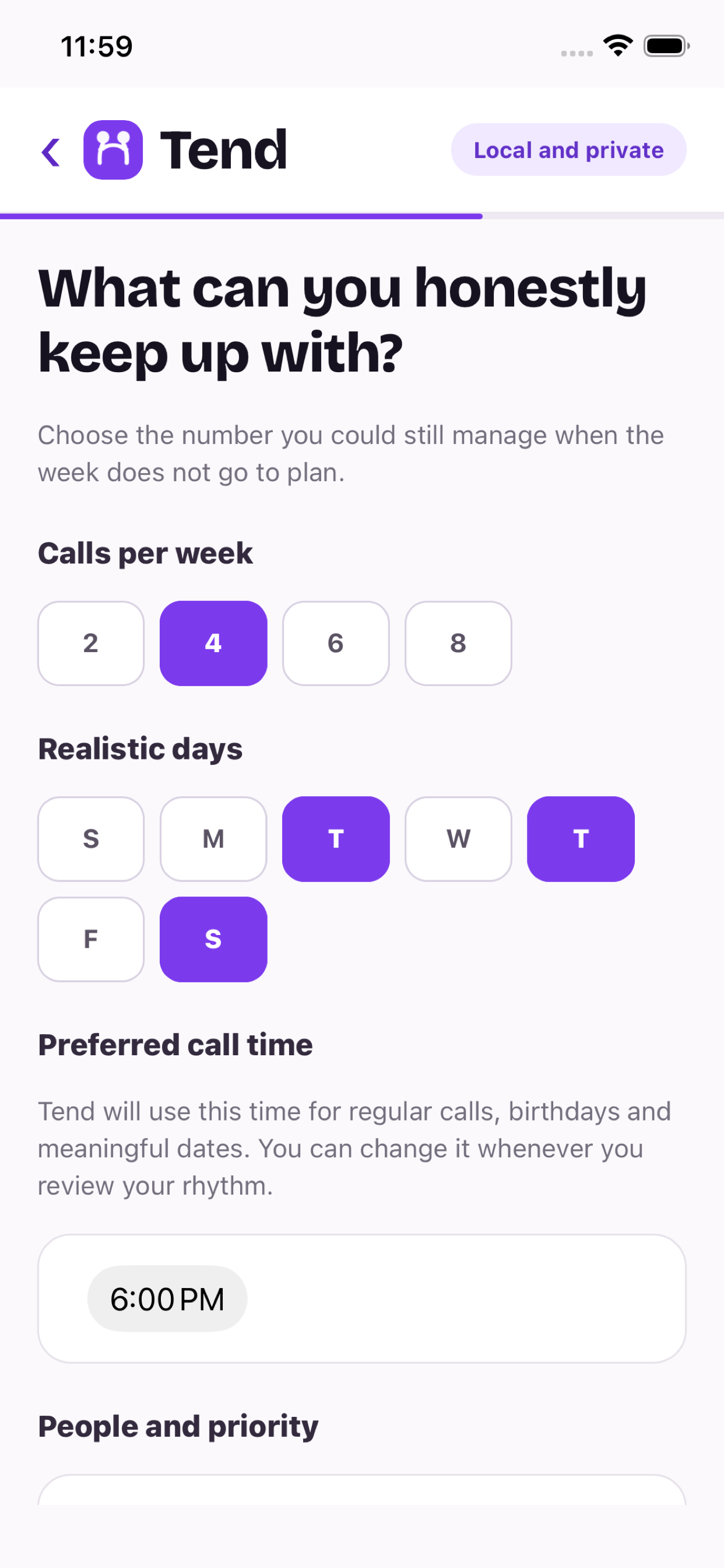
A reminder that fits your week
Choose who you want to call and when you have time.
Tend will remind you. The conversation is yours.
Some weeks are full. Choose the days and call time that work for you, and a pace you can actually keep.
For the people you miss
Your sister across the world.
Your friend ten minutes away.
Make room for both.
“We should catch up.”
Coffee. A walk. A quick video call.
Pick something simple, then share the plan.
Saturday · 10:00 am
♥ Remember what you wanted to ask
Keep a note of what is happening in their life.
It can help when you next speak.
Private note for Anna ♡
Keep a short private note. Ask about the appointment, the new job, or the thing they were looking forward to.
Birthdays, anniversaries and the dates that matter to you. Choose when you would like a reminder.
Move a reminder when life gets in the way. Staying close should fit your life, not make you feel guilty.
Mark a call as done yourself. Tend keeps your confirmed history locally; it does not read your call logs.
Your relationships belong to you.
No account to create. No address book to upload.
You choose what to share, and when.
Your selected contacts, notes and reminder history stay on your device. Tend doesn’t inspect your calls or messages.
Share a plan or add it to Calendar when you want to. Anything you share is then handled by the service you choose.
It doesn’t have to be a big occasion.
Take a look at how Tend works on the web. Choose your people, make a rhythm and add it to your calendar.
Choose how you use Tend
Choose your people, get local notifications and keep your plans in your pocket.
Download on the App Store ↗For iPhone and iPadCreate reminders in your browser and add them to a separate calendar. No app required.
Start with five people ↗Works with calendar files you importThere’s probably someone on your mind.
Tend helps you remember to stay in touch. Choose people, set a manageable rhythm and get reminders to make time for them.
Tend is free to download from the App Store. The core web calendar reminders are free too.
No. In the app, you can choose contacts or add a person manually. On the web, contact files are processed in your browser, not uploaded to Tend.
No. You tell Tend when you have made a call by marking it done. Tend does not inspect call history.
Yes. Use the website to create reminders and import them into Apple Calendar, Google Calendar or Outlook. Calendar files are copies, not a live sync.
In the iOS app, you can move, skip or delete a reminder. On the web, keep your reminders in a separate Tend calendar so you can remove them without affecting your other events. Our Calendar Recovery page explains the steps.
Calendar Recovery ↗